
From WordPress to Astro, on My Own NAS
Translated with the help of AI.
Series
Self-hosting · Part 3
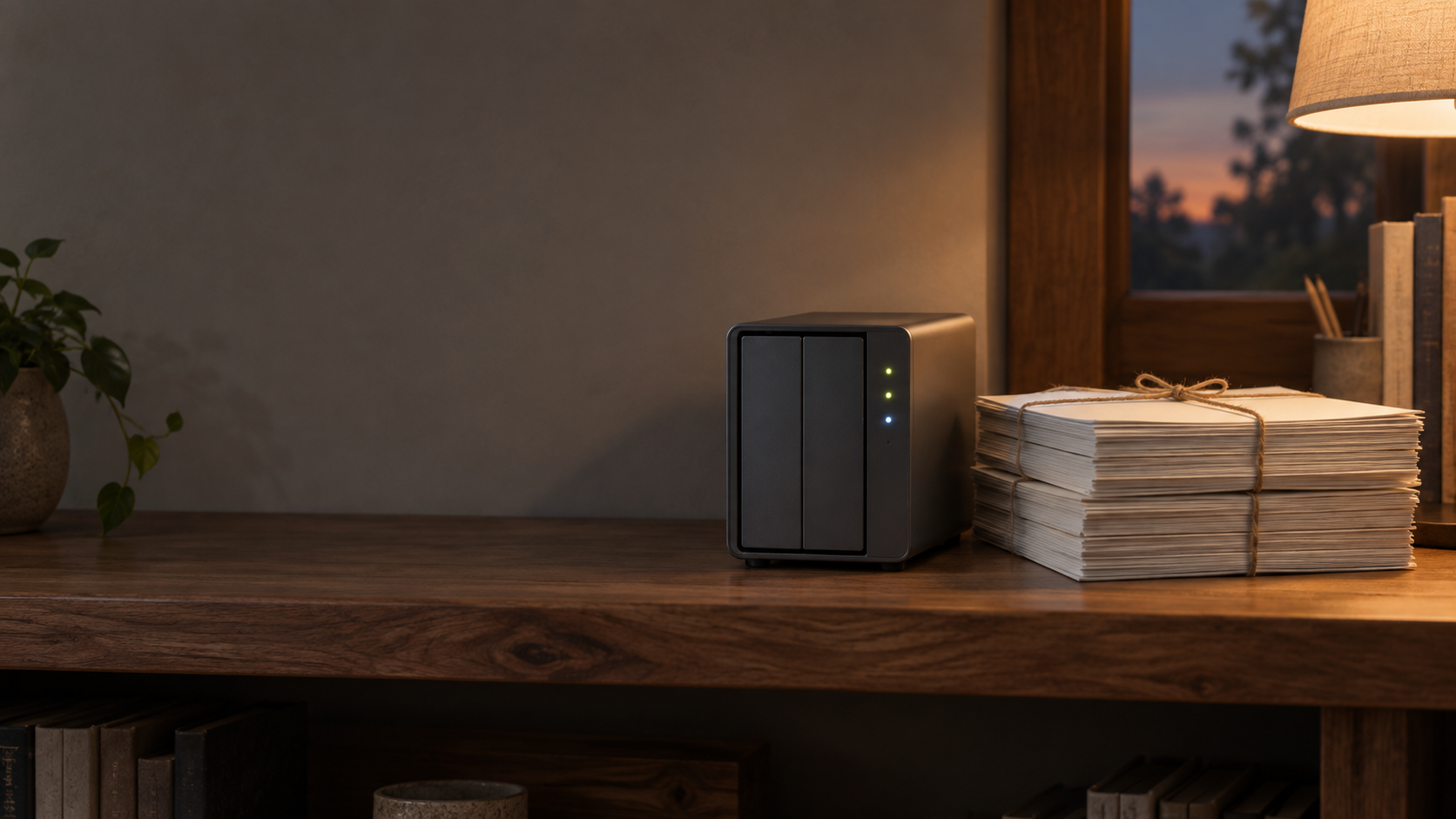
It turns out this blog is not young: the earliest posts here are from 2006. It has already moved three times: Blogger first, then LiveJournal, then many years on WordPress. This year it moved a fourth time, to a static Astro site served from the NAS in my home. This post is the story of how that went.
Why move at all
The main reason is the same as in the previous two posts. I want my own data on my own hardware, without worrying about or depending on a third-party platform. On WordPress, posts sit in a cloud database. The upside is that you don’t worry about losing them, and you can export a backup, but it is still a third-party platform and you need tools to get your writing back. Also, my workflow is mostly in markdown now. If I could simplify the writing process and turn a markdown draft into a blog post easily, I might write down more of my thoughts. Less friction in updating the blog might bring it back to life.
This had been on my to-do list for years. Technology moved fast. My first idea was to host WordPress myself, or to move to another, newer platform. Now there are simple tools to rebuild a website from scratch, and AI finally let me cross this item off the list. With Claude helping to build the scaffolding and handle the conversion, the migration shrank from an intimidating unknown into something I could finish in a few evenings.
Step 1: Getting the posts out of WordPress
WordPress gives you an XML export file, including old posts that had already been imported once from Blogger and LiveJournal years ago. I had searched online for ways to convert that XML into markdown files, but the many steps kept me from even starting. AI did the whole process automatically and easily: it parsed the export and generated one markdown file per post, each with the right filename and frontmatter.
Step 2: Learning Astro (stricter than expected, in a good way)
When I looked for a new platform, Astro seemed the simpler choice. Astro was new territory for me too but my site needs only the most basic features. Marking each post with frontmatter (title, date, category, language) gives me most of what I need. And with AI’s help I could skip the long online searching, set out the features I needed, and move quickly into setting up the structure.
Step 3: A theme designed with AI, too
Anyone who has built a site on WordPress may know this. WordPress has many features and many plugins, so you can spend a lot of time looking for something that works and doesn’t cost too much. Drawing on my past experience of building websites, I decided on the colours, theme and site structure at the start, then used Claude’s design tools to set the look of the site. This way I didn’t spend hours adjusting layout and styling over and over, as I used to. A few small tweaks and I had a site I was happy with.
Step 4: Serving it from the NAS
Astro builds the whole site into a folder of static files, which is very easy for a layman like me to pick up. Set up a basic home page and section pages, write posts in .md, run the build, copy the output to a folder on the Synology NAS, then connect my own domain to the NAS to serve it (set up through Cloudflare), and the site is live.
What AI did well, and what it could not do
Since “AI made it feasible” was the key reason this move succeeded, let me explain AI’s role in the process.
I started by writing down my requirements for the site with Claude, and learned the different stages of the process. I took a prompt Claude produced to Google Antigravity to build the first Astro structure. That was the first attempt. Later, with Claude Code’s help, I refined the structure, changed the design, and added the bilingual setup. While I set up the NAS to serve the site, Claude also helped me find suitable settings (though not every one was correct or usable).
Of course, what AI cannot do is decide the site’s style and wording for me (my own writing is actually worse than AI’s), or set the site’s theme and direction. But its help in this process was really effective and useful, especially for setting up the structure and making bulk changes to frontmatter. I have finally finished one of the goals I had put off for years.
This is part 3 of the self-hosting series. Next: building my own local AI platform at home.